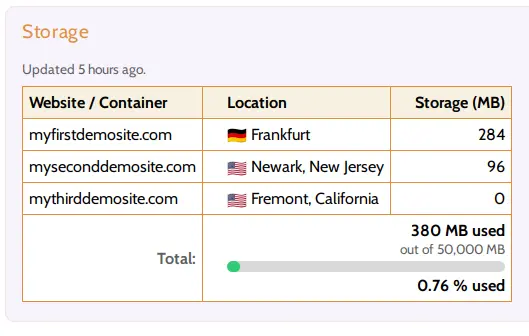
How can I check how much storage my websites are using?
Navigate to "Account" > "Plan Usage" in your Hustly account to view the total storage used by each of your websites, as well as…
Read article
Navigate to "Account" > "Plan Usage" in your Hustly account to view the total storage used by each of your websites, as well as…
Read article
Redis Object Cache significantly boosts WordPress performance by storing frequently accessed data in memory, reducing database queries and improving page load speeds. It enhances…
Read article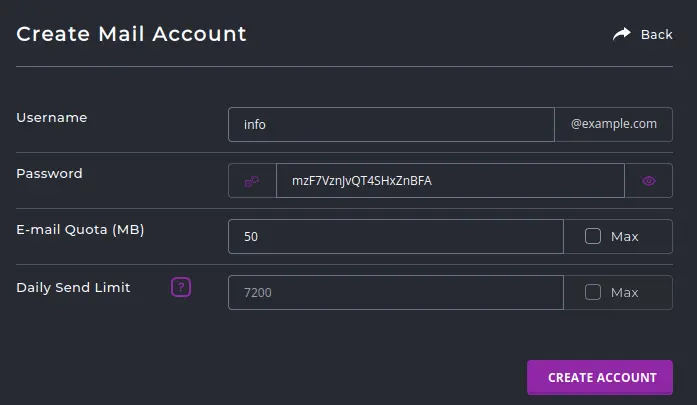
Here is a detailed guide to help you set up and configure your Hustly email service.
Read article
It is easy to configure your domain to work with Hustly and Cloudflare. Here is a detailed guide to setup your domain name to…
Read article
Hustly makes it easy for you to access your server and files using SSH, FTP and other user friendly tools. Here is a detailed…
Read article
All Hustly users subscribed to our Expert, Agency & Custom plans are able to launch additional hosting servers in our data-centers located in different…
Read article
The common PHP settings you can change are the version, the engine used by the web server, and common parameters such as upload limits,…
Read article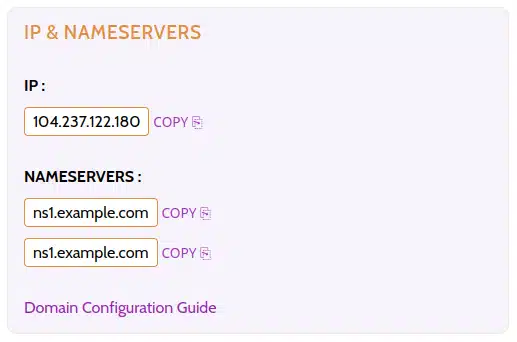
It is easy to configure your Hustly server as your own custom nameserver. Here is a detailed guide to setup your domain name to…
Read article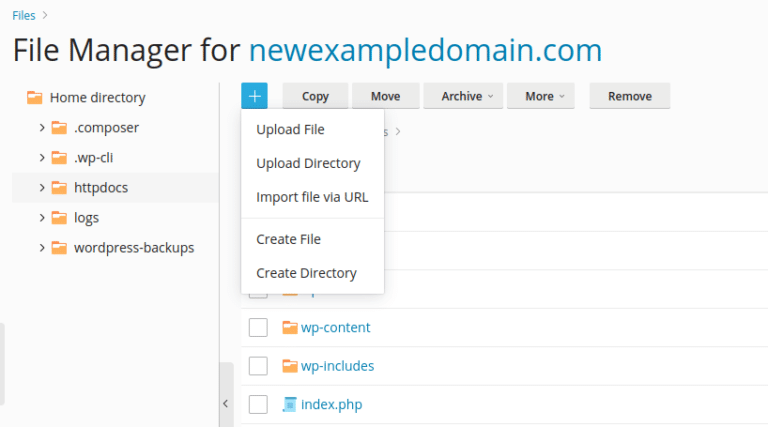
Files on your hosting server are accessible via a web browser based file manager or FTP. The file manager is faster for file transfers,…
Read article